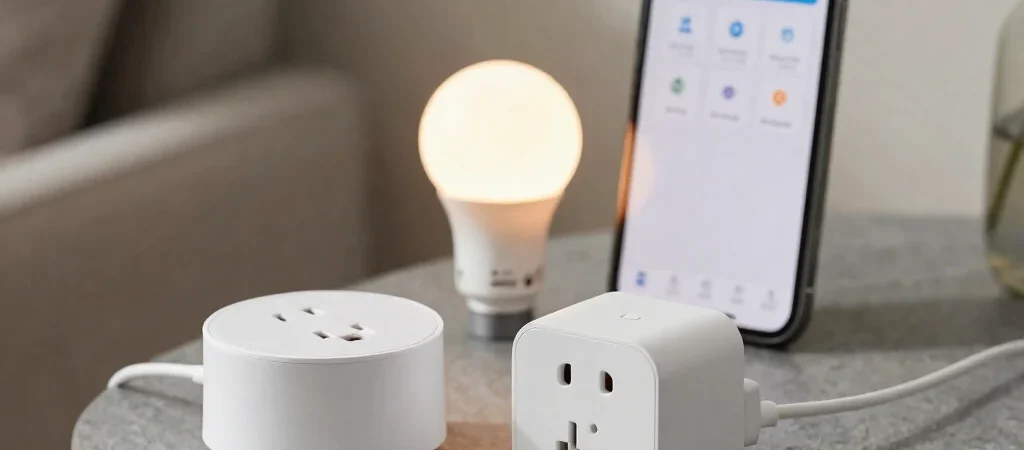
The awkward part of a smart home often appears after setup: one bulb lives in one app, a plug in another, and a voice command works only when phrased just right. The best next device is not necessarily the one with the longest feature list. It’s the one that fits the system you already use—or gives you a good reason to simplify it.
Check Compatibility Before Features
Start with the platform you rely on for everyday control, such as Apple Home, Google Home, or Amazon Alexa, and check the device’s current compatibility details. Matter support can help compatible products work across participating platforms, but it does not mean every feature is available in every app. Confirm the functions you care about, including dimming, energy monitoring, or sensor alerts.
Then look at the connection requirements. Some products depend on a hub, a particular Wi-Fi band, or a specific setup process, and those details can affect where you can install them. If a device will sit at the far end of a house or in a garage, consider the network and hub range as part of the decision rather than an afterthought.
Build Around One Useful Routine
Pick a routine you would genuinely use, such as turning off a group of lights at bedtime or switching on a lamp when you arrive home. Compare products by whether they support that routine reliably, not by how many automations appear in the app. A simple setup you can explain to another person is often more useful than a complicated one that needs frequent troubleshooting.
Make the Deal Comparable
When a smart-home device is discounted, check whether the offer is for a single unit or a multipack and whether a hub or subscription is needed for the features you want. Verify the model and compatibility notes on the retailer’s listing, since product names can cover different generations. Some gadgettour links may earn a commission if you buy through them; affiliate links are labeled, and we aim to make the setup requirements and trade-offs clear.